
If you’re serious about Bitcoin, learning self-custody is one of the most important steps you can take. Hardware wallets like the Trezor Safe series are designed to keep your private keys offline and secure.
But with multiple models available: Safe 3, Safe 5, and Safe 7 … which one should you choose?
In this guide, we’ll break down the differences in a simple, educational way so you can pick the right device for your needs.
Table Of Content
Why Use a Hardware Wallet?
Before comparing models, it’s important to understand why hardware wallets matter.
A hardware wallet:
- stores your private keys offline
- protects against hacks and malware
- gives you full control over your Bitcoin
Trezor wallets are especially popular because they are:
- fully open-source
- widely trusted
- beginner-friendly
The Trezor Safe Line Explained
All three models share the same core principles:
- Open-source firmware
- Secure Element chip for physical protection
- Support for thousands of cryptocurrencies
- USB-C connectivity
This means: even the cheapest model is already very secure.
The differences are mainly about:
- usability
- features
- premium experience
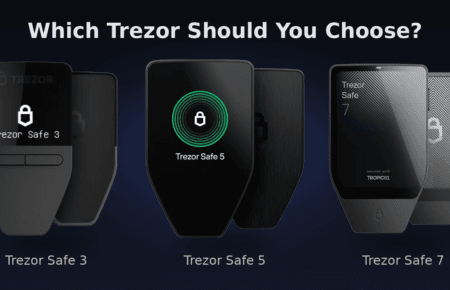
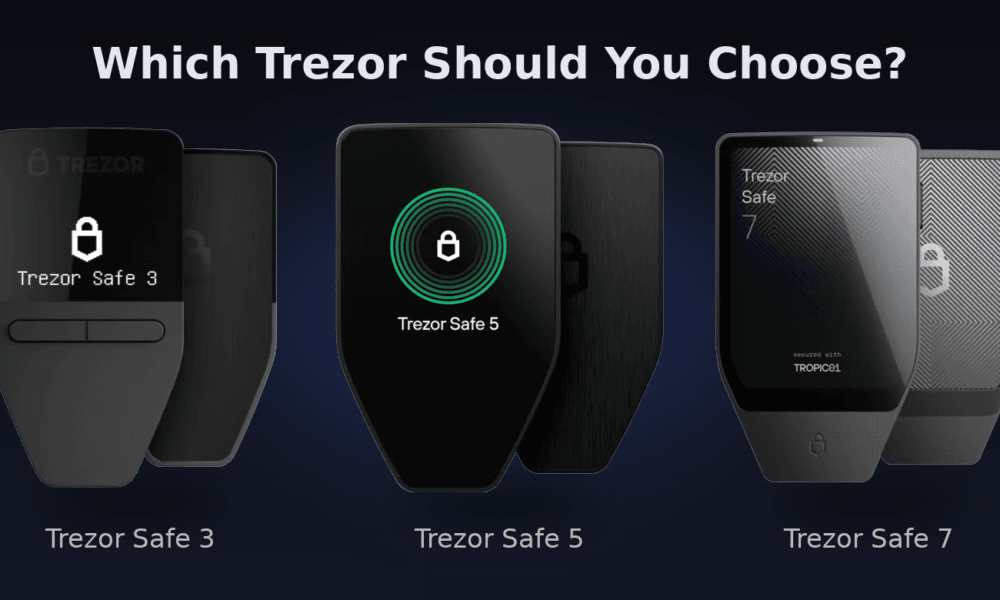
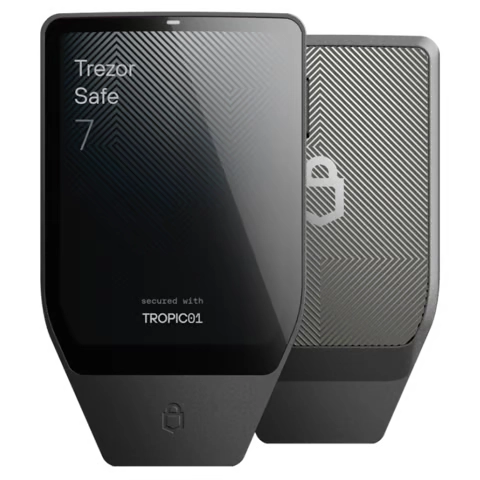
Visual Overview of the Devices
Comparison Table
| Feature | Safe 3 | Safe 5 | Safe 7 |
|---|---|---|---|
| Usability | Button-based, basic interface | Touchscreen, more intuitive | Large touchscreen, premium experience |
| Mobility | USB only | USB only | USB + Bluetooth (mobile-friendly) |
| Security | High | High | Highest / more advanced & future-proof |
| Display | Small OLED | Color touchscreen | Large high-resolution touchscreen |
| Battery | ❌ No | ❌ No | ✅ Yes |
| Best For | Beginners / HODLers | Most users (best balance) | Power users / mobile users |
| Price Tier | Budget | Mid-range | Premium |
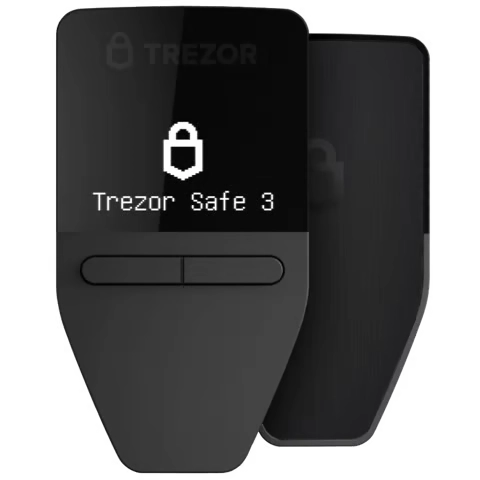
Trezor Safe 3 - Best for Beginners
The Safe 3 is the most affordable entry into hardware wallets.
Key features:
- Simple OLED screen
- Button-based navigation
- Secure Element chip
- Full open-source design
It’s ideal if you:
- are new to Bitcoin
- want maximum security at low cost
- don’t need fancy features
The trade-off: less convenience (no touchscreen, more manual input).
Still, it’s one of the best value wallets on the market.
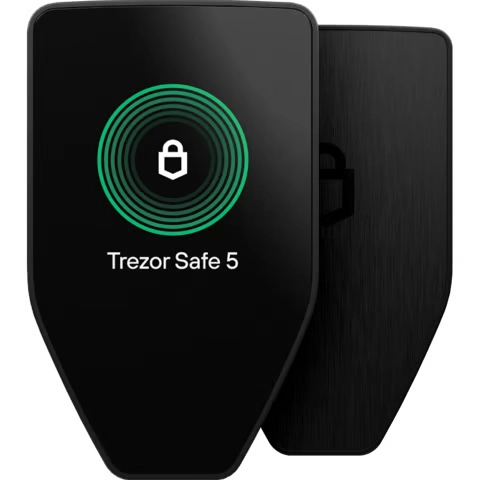
Trezor Safe 5 - The Best Balance
The Safe 5 is where usability improves significantly.
Key upgrades:
- Color touchscreen
- Haptic (vibration) feedback
- More intuitive navigation
- Same strong security as Safe 3
This makes a big difference in daily use.
You’ll benefit if you:
- interact with your wallet regularly
- want a smoother experience
- prefer touchscreen over buttons
This is the “sweet spot” model for most users.
Trezor Safe 7 - Premium & Future-Proof
The Safe 7 is the flagship model.
What makes it different:
- Large high-resolution touchscreen
- Built-in battery
- Bluetooth connectivity
- Full iPhone compatibility (Safe 3 & 5 have limited iPhone support)
- More advanced / future-proof security
It’s designed for users who want:
- maximum comfort
- next level security
- top-tier hardware
The larger display also makes reviewing transactions much easier.
However, it comes at a significantly higher price and may be overkill for beginners.
Which One Should You Choose?
Here’s the simplest way to decide:
Choose Safe 3 if:
- you’re just starting with Bitcoin
- you want the cheapest secure option
- you mainly HODL long-term
Choose Safe 5 if:
- you want the best balance
- you value ease of use
- you interact with your wallet regularly
Choose Safe 7 if:
- you interact daily with your wallet
- you want premium features
- you want the latest in security
Final Thoughts
All three Trezor Safe models are secure and reliable. The real question is not “which one is safest?” but “which one fits your usage?”

René
Editor